Activity, Jobs, and History
These pages help you answer different questions:
Activity: what changed?Jobs: what scans ran, and how did they behave?Compare: what changed between two scans?
Activity
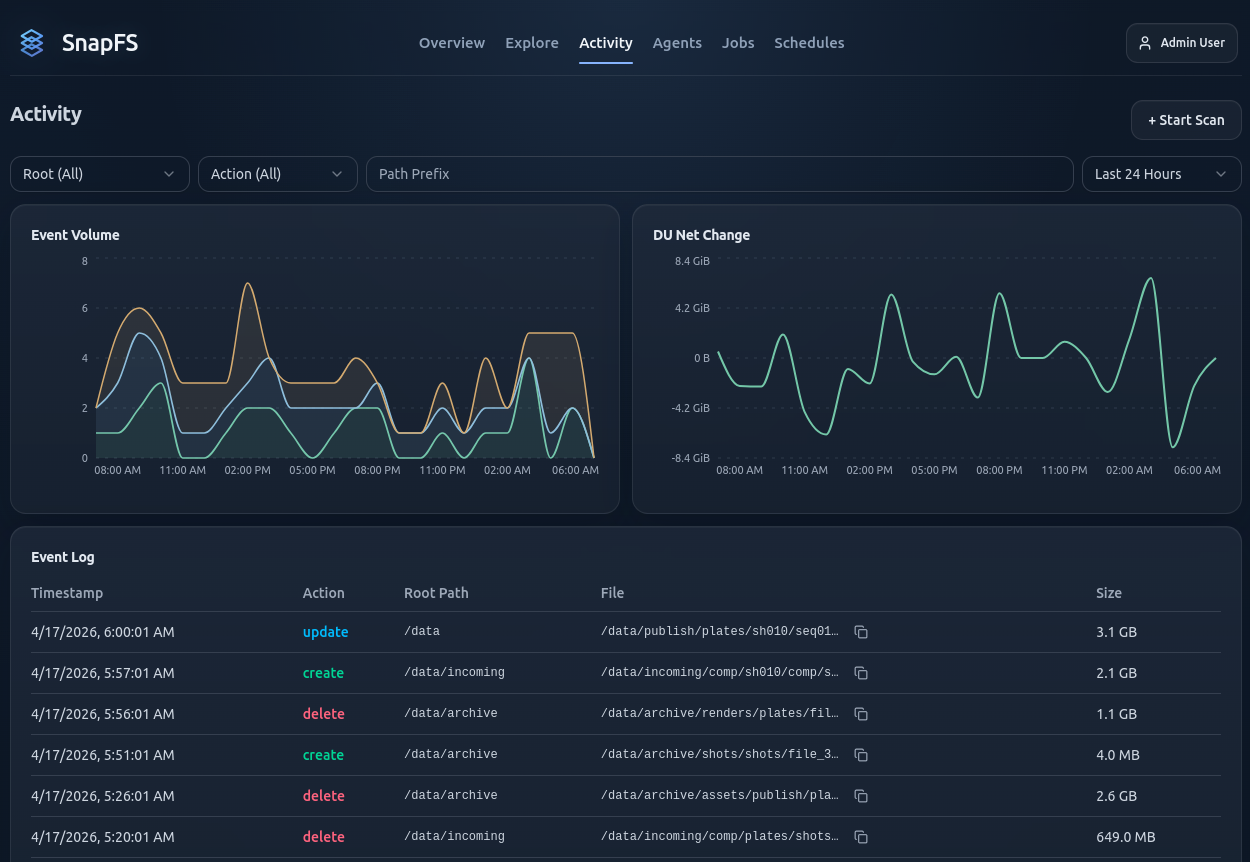
Use Activity to:
- filter events by root
- narrow by action type
- filter by path prefix
- inspect recent create, update, and delete events
Jobs
Use Jobs to:
- review scan history
- inspect telemetry and issue summaries
- compare a scan to a previous run
- understand whether a scan was manual, scheduled, or API-triggered
Compare
The compare view is especially useful after a second scan.
Use it to confirm that:
- no-change rescans stay quiet
- real changes are categorized correctly
- unexpected results can be inspected path by path
Important Note About Deletes
Delete reconciliation depends on authoritative scan coverage. If a scan does not have reliable coverage, delete inference may be skipped to avoid bad data.
Next Step
Continue with Troubleshooting.